
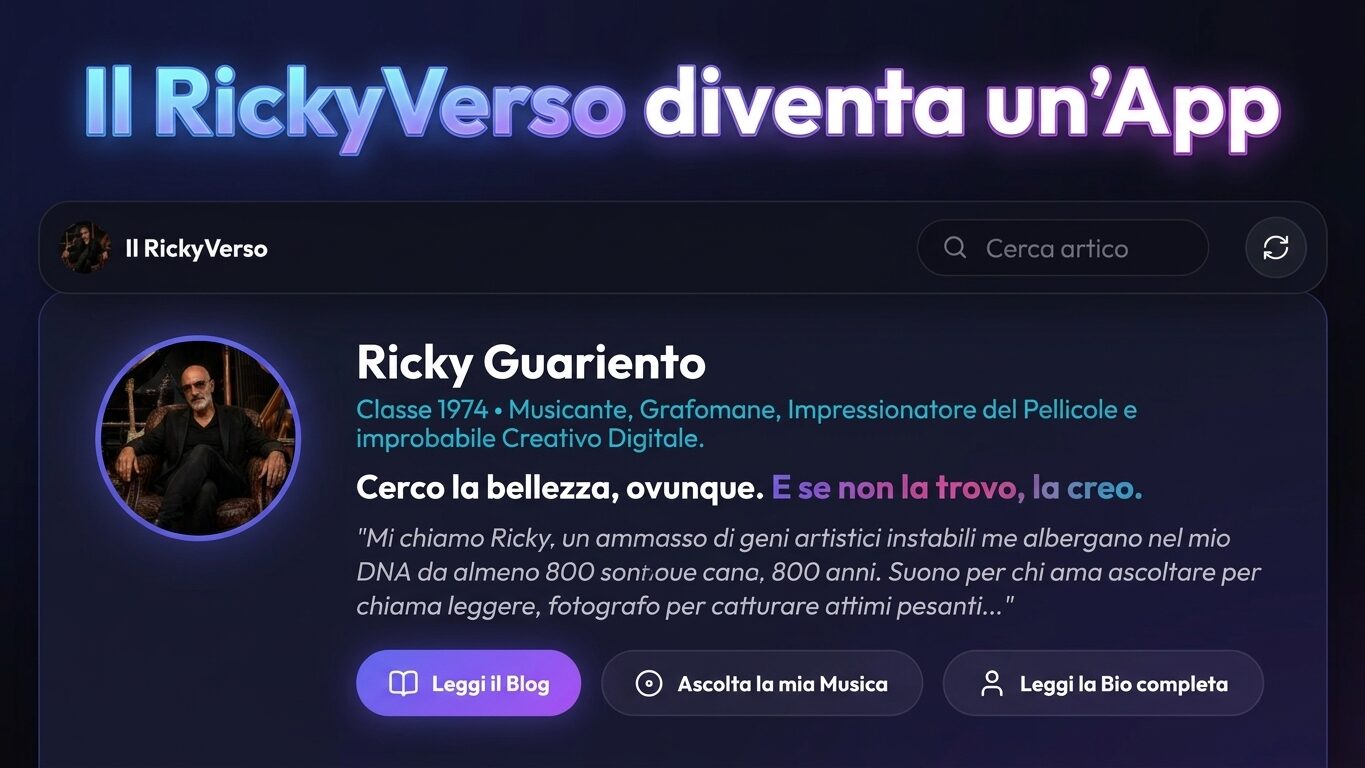
RickyVerso becomes a Web App (and yes, you can install it on your phone)
There comes a point, in every self-respecting project, when you stop asking yourself “can I do it?” and you start to wonder “Why haven't I done it yet?”. For The RickyVerse that moment came with a simple question: why a blog that talks about experimentation, TO THE, music e technology should it be content to just be… a website?
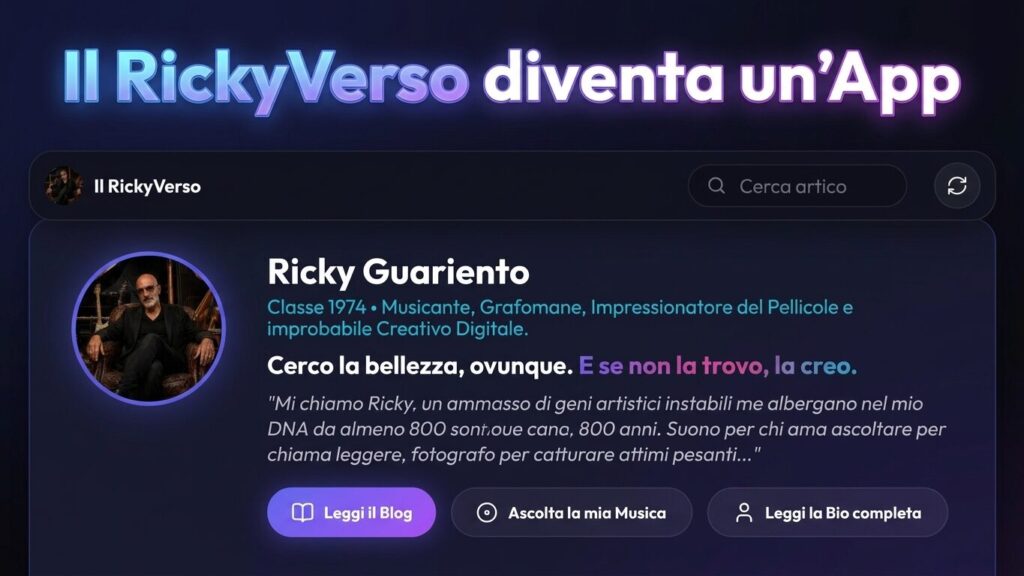
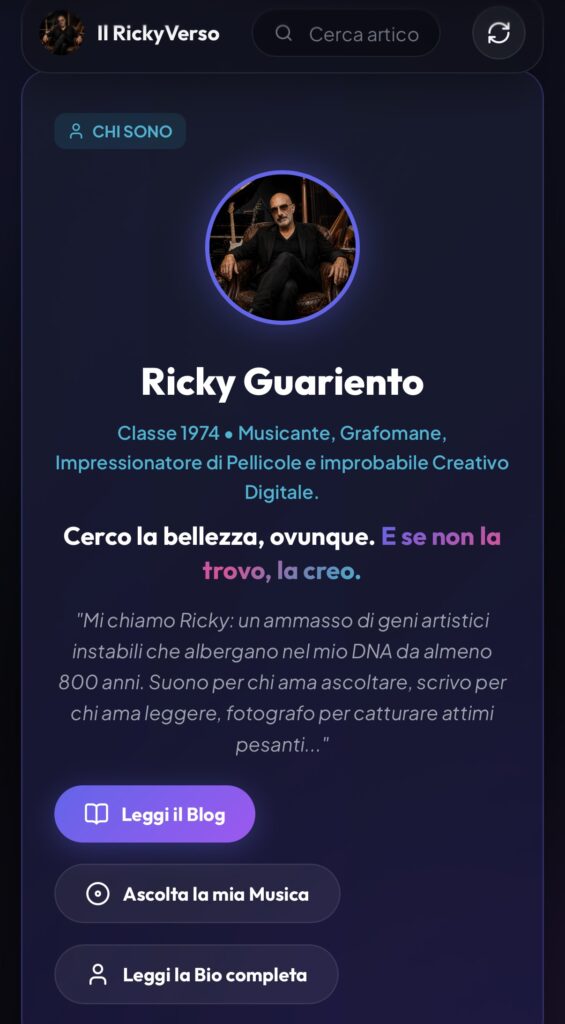
From today The RickyVerse it is also a Progressive Web App, reachable at the address ilrickyverso.it/webapp. It installs in seconds, sits on your phone's home screen just like a real app, and opens your blog without address bars, frills, or distractions: contents only.
I admit to a hint of healthy exhibitionism—I like my ideas to have a visible, tangible home, with their own dedicated icon. Behind it, however, lies the same old drive: the desire to explore new avenues, adding another face to the polyhedron. The mind of those who write, compose, photograph, and experiment is never satisfied with a static form.
What is a Progressive Web App (and why it's not your average app)
A PWA It does not require downloading from the App Store or Google Play. It is the website itself that, using modern technologies such as service worker and the web app manifest, learn to behave like an installed software:
- icon on the home screen;
- launch in full screen without browser interface;
- instant loading;
- Smooth content consultation even with poor or no connection.
The most clear advantage over a traditional application is in the distributionNo storage, no waiting for approval, and no manual updates to download. When I publish a new article, the installed version updates itself in the background the next time I connect.
Plus it's incredibly light — a few megabytes versus the hundreds required by a native app — and guarantees the same performance on iPhone, Android, or desktop, based on a clean web architecture.
Those who fear compromises on reading quality can rest assured: the PWA de The RickyVerse offers the same experience as always, with a more comfortable and immediate fit for the smartphone.
How to Install RickyVerso on iPhone (iOS)
On iOS the procedure necessarily requires the use of SafariAlternative browsers on this operating system do not support direct installation.
- Open Safari and navigate on
ilrickyverso.it/webapp(Avoid opening the link from Instagram, Gmail, or WhatsApp's internal browsers: always switch to Safari). - Tap the share icon at the bottom (the square with the up arrow) or the three dots next to the address bar in newer versions of iOS.
- Scroll through the menu until you find the voice “Add to Home Screen” and select it.
- Check the option: if the entry appears “Open as web app”, make sure it is active to ensure full screen viewing.
- He confirms: rename the icon as you like and tap “Add” top right.
- Ready: you will find the icon of The RickyVerse on your home, ready to use with one touch.
How to Install RickyVerso on Android
On Android the operation is even more immediate, since Google Chrome Autonomously detects the characteristics of the PWA.
- Open Chrome (or your default browser) and go to
ilrickyverso.it/webapp. - Follow the notice: In most cases, a banner or icon will appear automatically “Install” next to the address bar.
- Alternatively: Tap the three dots at the top right to open the menu and choose “Add to Home Screen”or “Install App”.
- Confirm the action touching “Install” o “Add” in the pop-up window.
- Done: The icon will be immediately accessible in the application grid, independent of standard web navigation.
Why I Did It (and Why It Makes Sense to Do It)
This isn't a choice driven by cold growth metrics or web marketing manuals. It reflects the original nature of this space: using technology as a narrative tool, not as a sterile display for its own sake.
A PWA eliminates the exorbitant costs of native development in Swift or Kotlin, bypasses the filters and arbitrary policies of digital stores, and gives full control back to the author and readers.
For those who regularly visit these pages, the benefit is tangible: instant access, without having to dig into their history or favorites. For me, it represents another step forward: practical demonstration that this space continues to evolve.
I seek beauty everywhere. And if I don't find it, I create it. —apparently, now with its own icon on the screen too.

Digital creative, musician, and storyteller. I explore the intersection of humanity and technology, telling stories of AI, music, and real life. Welcome to my organized mess.”